Feature
Tools on Pathway Nodes
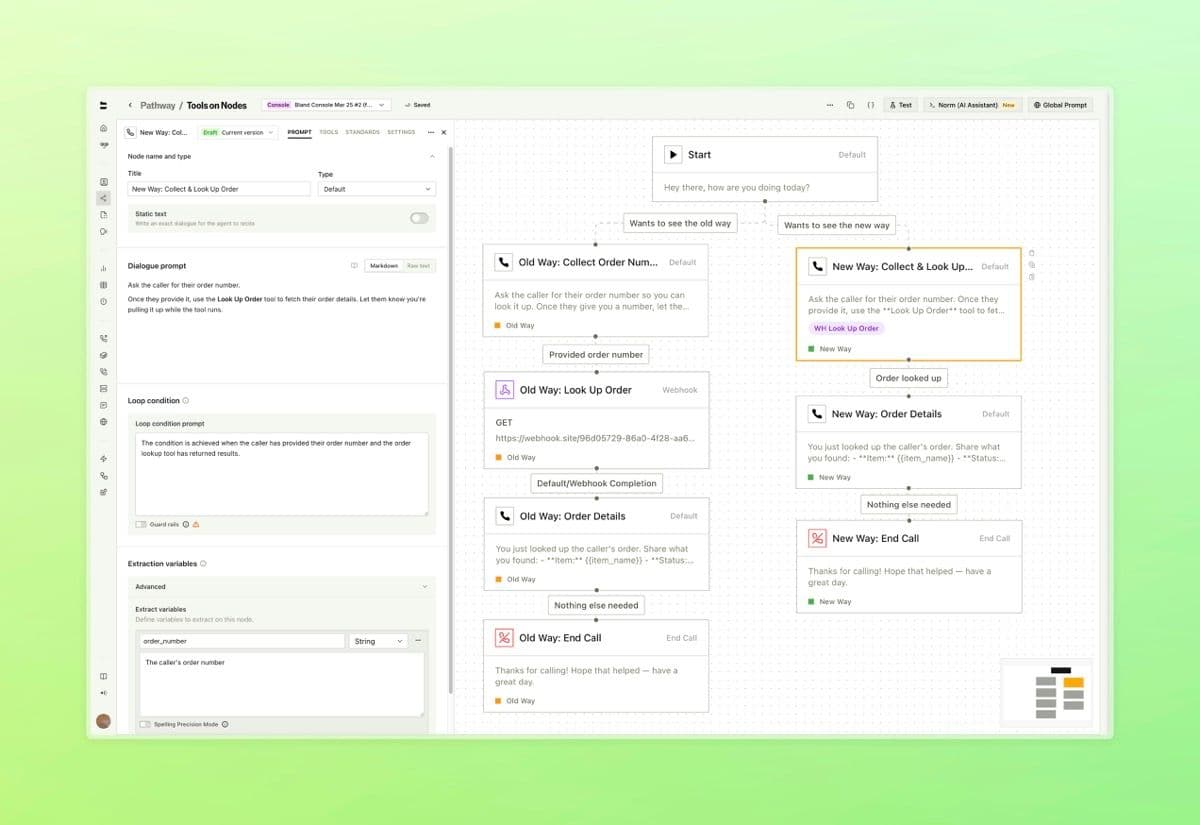
Condense your pathways by running tools directly inside Default nodes. What previously required dedicated separate nodes can now live inline, with support for more tool types being revealed soon.
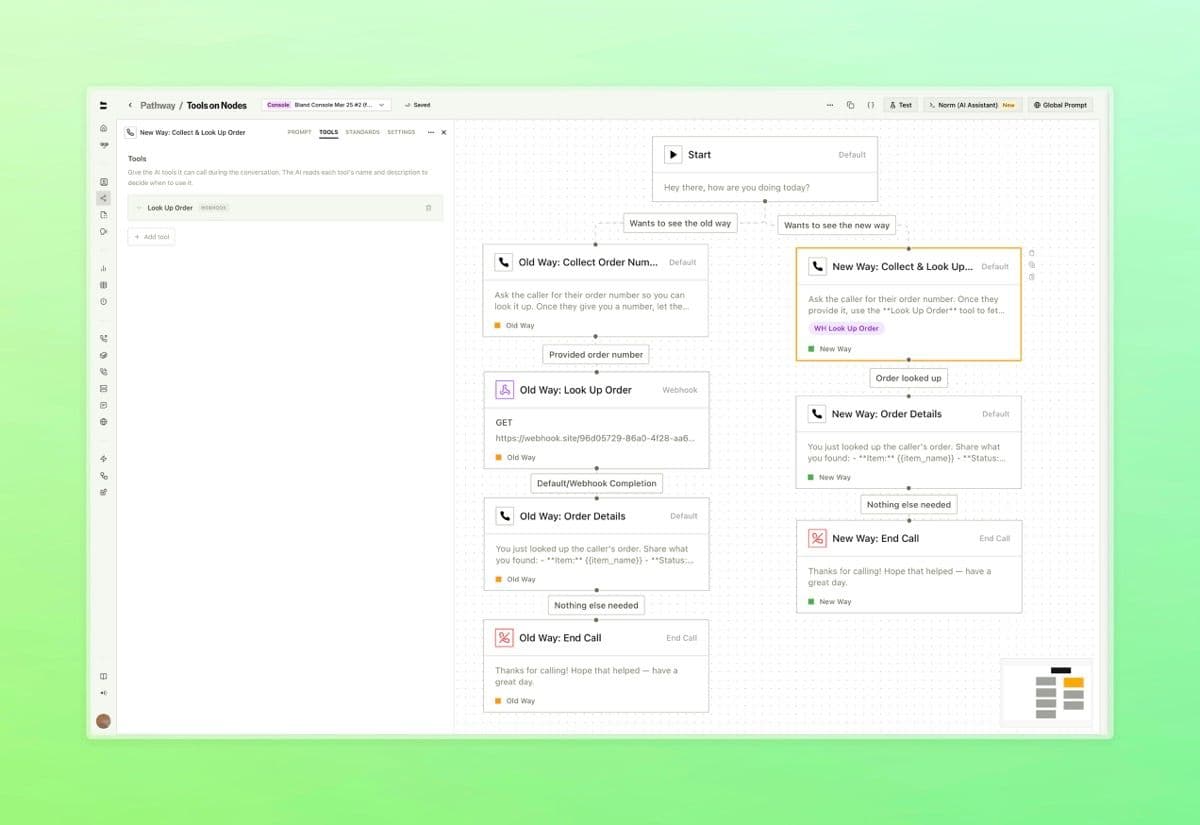
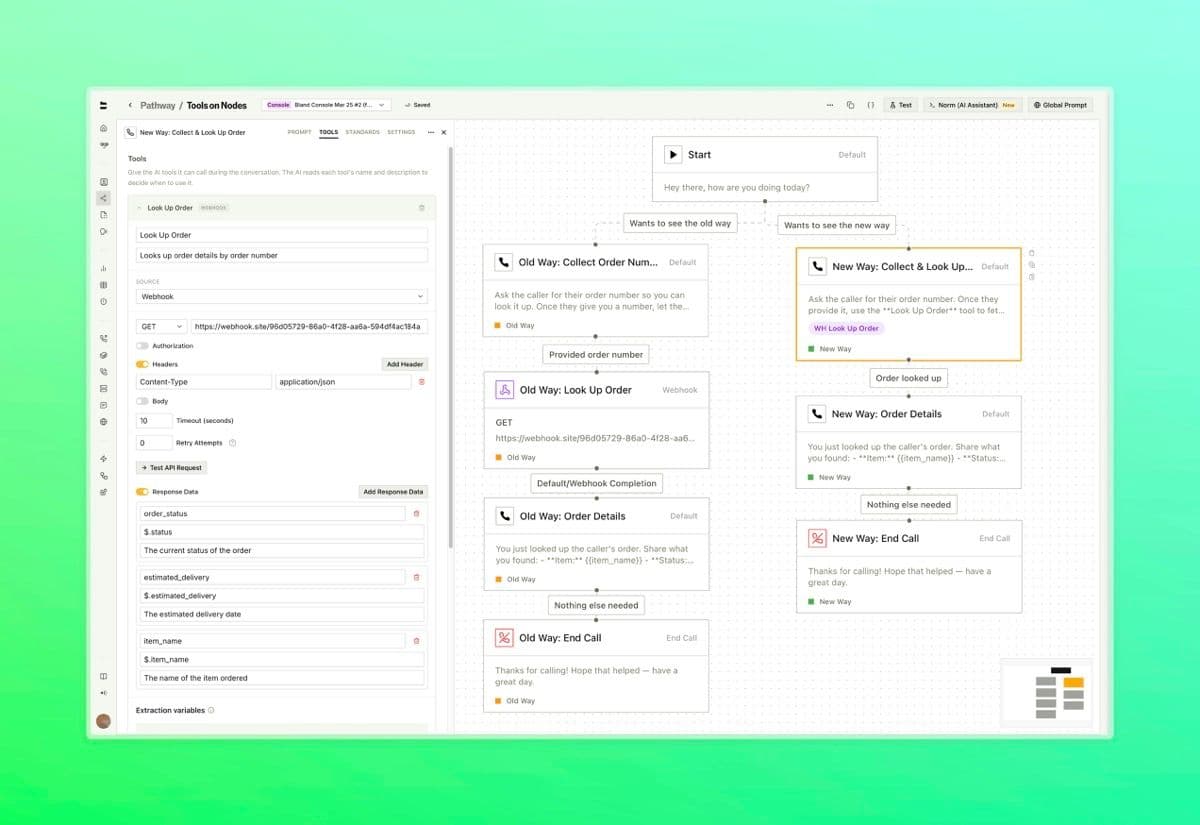
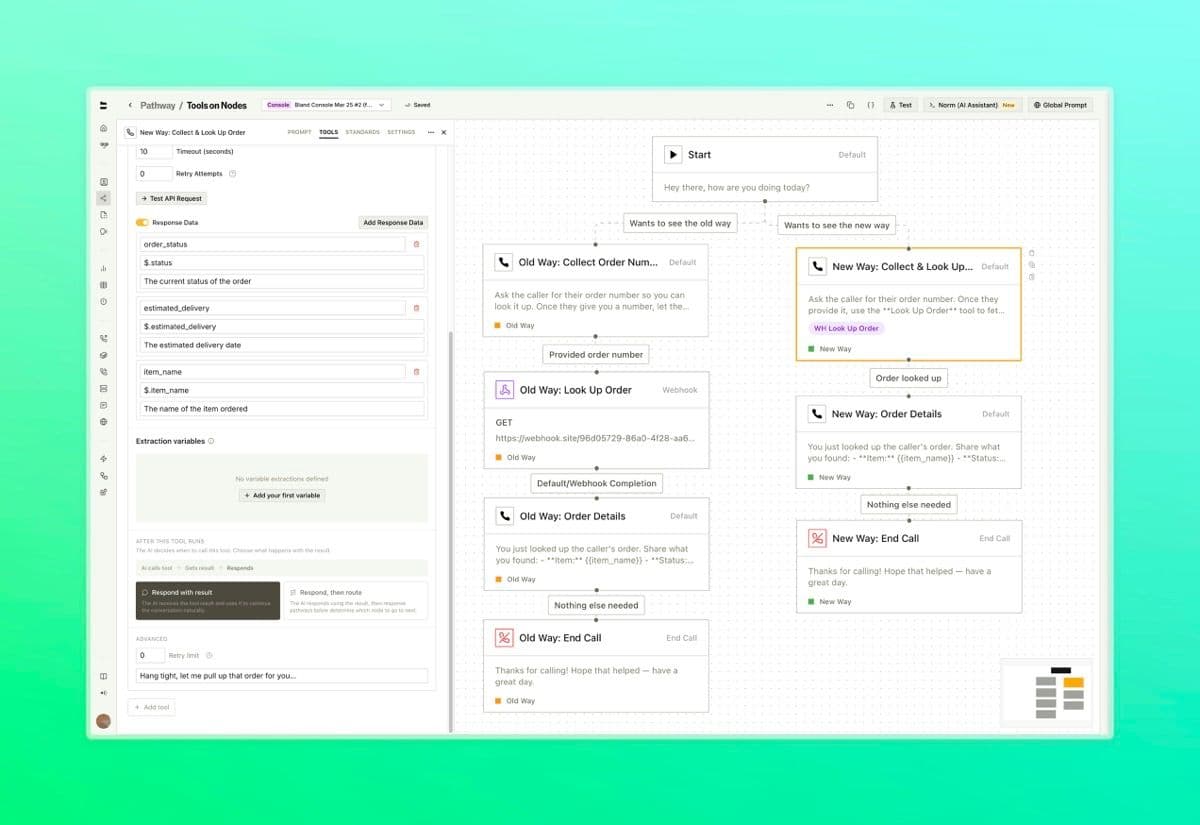
- Attach webhook configurations to a Default node. The Bland agent decides when to call the tool based on the dialogue prompt and conversation context (reference the name of the tool from within your dialogue prompt) - Route the call based on what the tool returns using configurable response pathways, with variable extraction from the tool output - Set speech behavior during tool execution, configure timeout and retry limits, and extract variables from the response, all inline with the node
What used to require a separate node for every tool call can now live inside a single Default node. Reference the name of your tool within the dialogue prompt to describe when it should be triggered.
Each tool is configured with its own name, webhook, and settings directly inside the node.
You can also choose how the agent handles the request response. Decide to respond naturally and continue, or respond and follow defined pathways to route the call.